mirror of
https://github.com/unseen-ninja/pfetch.git
synced 2026-05-05 16:07:24 +02:00
No description
- Shell 99.7%
- Makefile 0.3%
| .github/workflows | ||
| assets | ||
| .editorconfig | ||
| LICENSE.md | ||
| Makefile | ||
| pfetch | ||
| README.md | ||

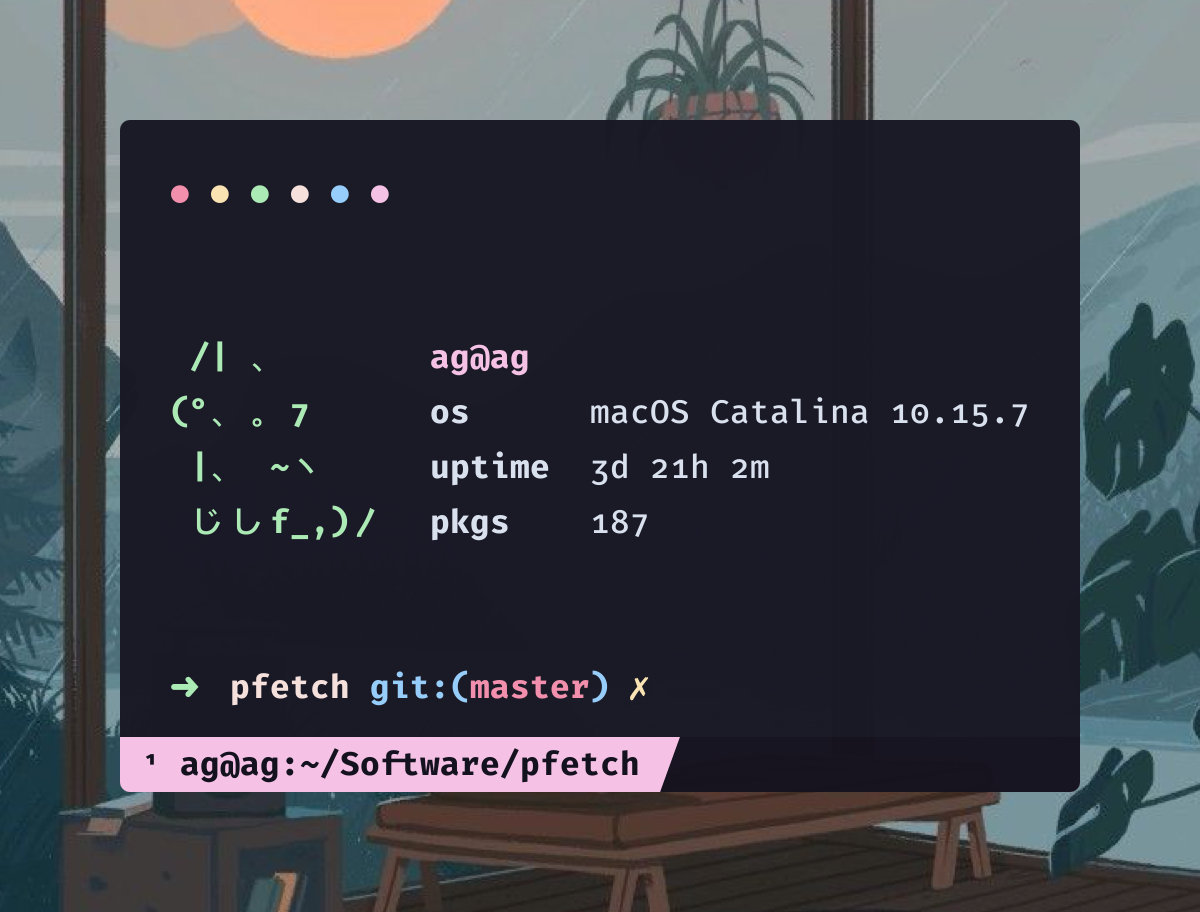
Literally pfetch but with kitties
A pretty system information tool written in POSIX sh
Configuration
pfetch is configured through environment variables.
# Which information to display.
# NOTE: If 'ascii' will be used, it must come first.
# Default: first example below
# Valid: space separated string
#
# OFF by default: shell editor wm de palette
PF_INFO="ascii title os host kernel uptime pkgs memory"

# Example: Only ASCII.
PF_INFO="ascii"

# Example: Only Information.
PF_INFO="title os host kernel uptime pkgs memory"

# A file to source before running pfetch.
# Default: unset
# Valid: A shell script
PF_SOURCE=""

# Separator between info name and info data.
# Default: unset
# Valid: string
PF_SEP=":"

# Enable/Disable colors in output:
# Default: 1
# Valid: 1 (enabled), 0 (disabled)
PF_COLOR=1

# Color of info names:
# Default: unset (auto)
# Valid: 0-9
PF_COL1=4

# Color of info data:
# Default: unset (auto)
# Valid: 0-9
PF_COL2=9

# Color of title data:
# Default: unset (auto)
# Valid: 0-9
PF_COL3=1

# Alignment padding.
# Default: unset (auto)
# Valid: int
PF_ALIGN=""

# Which ascii art to use.
# Default: unset (auto)
# Valid: string
PF_ASCII="Catppuccin"

# The below environment variables control more
# than just 'pfetch' and can be passed using
# 'HOSTNAME=cool_pc pfetch' to restrict their
# usage solely to 'pfetch'.

# Which user to display.
USER=""

# Which hostname to display.
HOSTNAME=""

# Which editor to display.
EDITOR=""

# Which shell to display.
SHELL=""

# Which desktop environment to display.
XDG_CURRENT_DESKTOP=""
Credit
- ufetch: Lots of ASCII logos.
- Contrary to the belief of a certain youtuber,
pfetchshares zero code withufetch. Only some of the ASCII logos were used.
- Contrary to the belief of a certain youtuber,